Save a recipe from Instagram or YouTube as a real recipe
Instagram’s "saved" tab is where recipes go to be forgotten: a grid of Reels with no ingredient list, no amounts and no way to search. YouTube is worse, with the recipe buried in a 12-minute video and a description that says "link in bio".
EasyPlate turns the video itself into a recipe. Share the Reel or the YouTube link to the app, and the AI watches it, reads the caption and the on-screen text, and returns ingredients with amounts, numbered steps, servings and estimated nutrition. From there it is yours: editable, searchable, ready for the weekly plan and the grocery list.
3 min read
Free to start. No credit card needed.
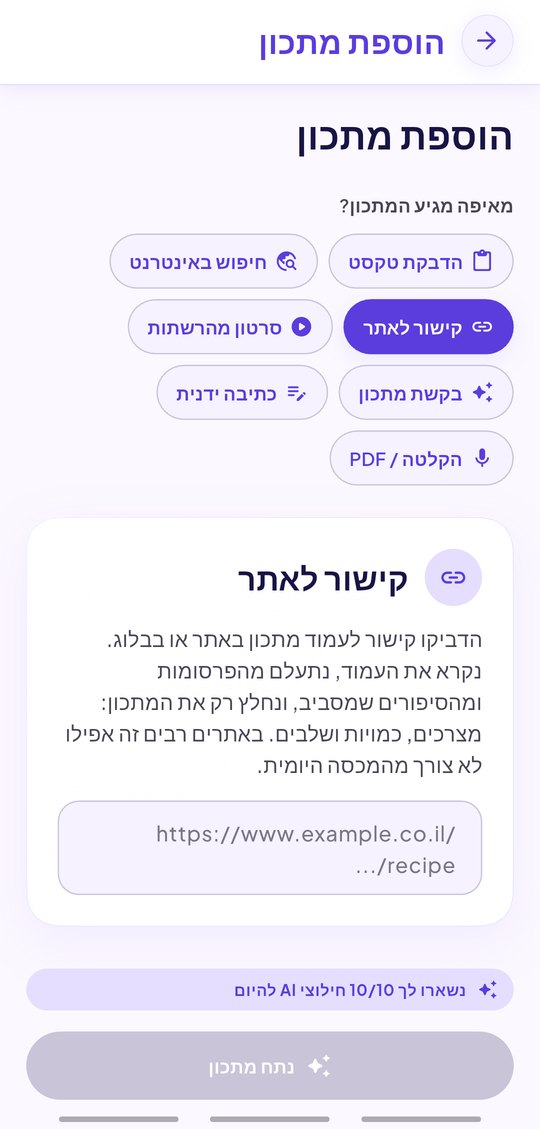
What the AI reads from a Reel or a video
A short cooking video rarely states everything out loud, so EasyPlate combines three sources into one recipe:
- The video: what is added, in what order, and the amounts shown or said.
- The caption or description: many creators put the full recipe there.
- On-screen text and the title, for dish name, servings and cooking time.
- When a video says nothing useful, the caption alone is used and you are told so.
Instagram, YouTube, TikTok and Facebook
The same share flow works for all four platforms, and for YouTube Shorts as well as full-length videos. Private accounts and videos that block downloading cannot be read: EasyPlate tells you instead of guessing.
- Instagram Reels and video posts.
- YouTube videos and Shorts.
- TikTok and Facebook videos.
- A link to any recipe website, as a bonus.
After the recipe exists
An extracted recipe behaves like one you typed: scale the servings and the amounts follow, add it to a cookbook, drop it on a day of the week, share it with your family, and cook it hands-free in Cook Mode with timers. Nutrition per serving is estimated automatically.
- Everything is editable: ingredients, steps, servings, photo.
- Searchable by ingredient, tag or dish name.
- The grocery list adds its ingredients, merged with the rest of the week.
- Works in Hebrew, English, Arabic, French and Russian.
How it works
-
01
Tap share on the Reel or video
In Instagram or YouTube, use the share button and pick EasyPlate. On a computer, copy the link and paste it in the app.
-
02
Let the AI watch it
A few seconds later the recipe appears: ingredients, amounts, steps, servings, tags and nutrition. Fix anything the video left vague.
-
03
Save, plan, shop
Save it into a book, add it to the weekly plan, and the grocery list is updated. Cook Mode walks you through the steps.
Frequently asked questions
Does it work with Instagram Reels?
Yes. Share the Reel from Instagram to EasyPlate or paste its link. Video posts and carousels with a recipe in the caption work too.
Does it work with YouTube?
Yes, with full videos and Shorts. The AI watches the video and reads the description, so a recipe only shown on screen is still captured.
What if the recipe is only in the caption?
Then the caption is used. If neither the video nor the caption contains a recipe, EasyPlate says so instead of inventing one.
Can I save a private video?
No. EasyPlate reads only what the platform serves publicly. A private or download-protected video cannot be processed.
Is there a limit?
A free account has a daily allowance of AI extractions; EasyPlate Pro removes it for ₪20 a month, billed through the App Store or Google Play.
More guides

Your saved Reels, finally cookable.
Download EasyPlate and share the next recipe video to it.