Cook Mode: one step at a time, timers included
A recipe on a phone is the wrong shape for cooking: tiny text, a screen that locks every thirty seconds, and the ingredient list three scrolls above the step you are on. Floury fingers do not help.
Cook Mode rebuilds the recipe for the stove. Each step gets its own screen in large type with the ingredients that step needs and their amounts. When a step says "simmer for 20 minutes", a timer is ready on it; start it and it keeps counting in the background and rings when it is done, even if you leave the app. The screen stays awake for as long as you cook.
3 min read
Free to start. No credit card needed.
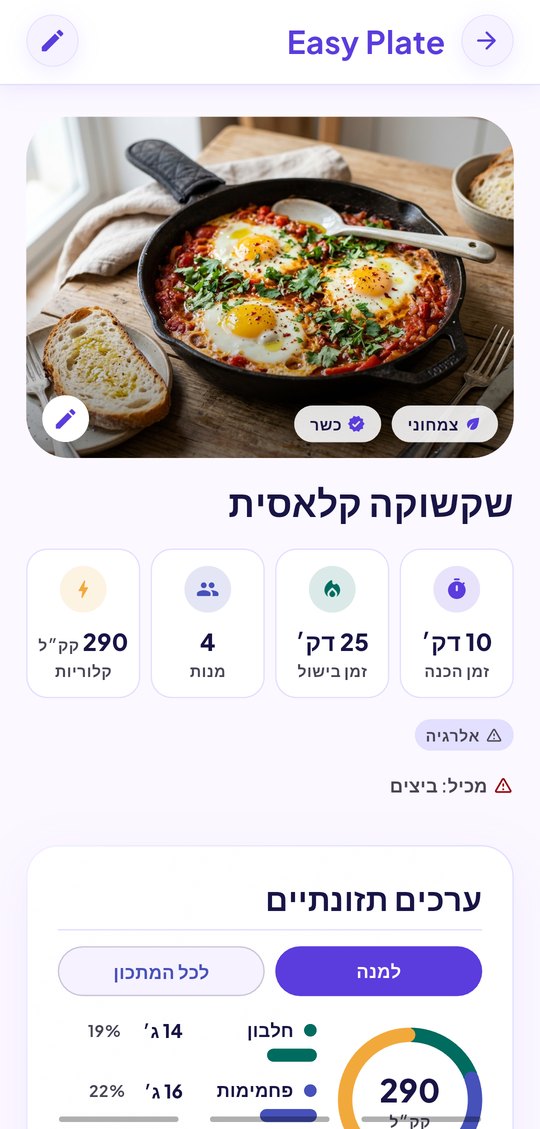
What a step looks like
Everything the step needs, nothing from the rest of the recipe:
- The instruction, in text large enough to read from across the counter.
- The ingredients mentioned in that step with their amounts, already scaled to the servings you chose.
- A timer, when the step names a duration, with start, pause and reset.
- Swipe or tap to the next step; a progress bar shows where you are.
Timers that survive leaving the app
Start a timer and go answer the door. It counts in the background, a notification rings when it ends, and a strip at the top of every screen shows every timer still running. Coming back into Cook Mode lands you on the step you left.
- Several timers at once, for several steps or several recipes.
- A ring you cannot miss, with the step it belongs to.
- The inbox shows what is cooking, with a "resume" card.
- Ending the cooking clears every timer and the banner.
For any recipe, read-only ones too
Cook Mode works on your own recipes, on recipes shared with you and on recipes from the community, because it only reads. Scale the servings first and every amount on every step follows. Cook Mode is part of EasyPlate Pro.
- Any recipe with steps, from any source.
- Scaled amounts on every step.
- Hebrew, English, Arabic, French and Russian.
How it works
-
01
Open a recipe and tap "Start cooking"
Set the servings first if tonight’s table is bigger or smaller than the recipe.
-
02
Cook step by step
Read the step, see its ingredients, start the timer if there is one, swipe to the next.
-
03
Let the timers ring
Leave the app if you need to; the ring comes anyway, and the resume card brings you back to the step.
Frequently asked questions
Does the screen stay on?
Yes, while the Cook Mode screen is open. Leave it and the phone behaves normally, with timers still counting in the background.
Do timers work when the app is closed?
Timers keep running in the background and ring with a notification. On Android an ongoing notification shows the countdown; on first use the app asks for notification permission so the ring can be delivered.
Can I run two recipes at once?
Yes. Each recipe has its own timers, the strip at the top shows all of them, and the inbox lets you resume either one.
Where do the timers come from?
From the step text: "bake 25 minutes" becomes a 25-minute timer on that step. You can also start a timer on any step and set its length.
Is Cook Mode free?
Cook Mode is included in EasyPlate Pro, which also removes ads and the daily AI limit, for ₪20 a month through the App Store or Google Play.
More guides

Cook with your hands, not your thumbs.
Download EasyPlate and start Cook Mode on any recipe.